Begin with a clear image brief
Describe the subject, composition and lighting. In the Qwen Image 2.1 studio, choose an available image model and review the price before submitting.
 Qwen Image 2.1
AN INDEPENDENT IMAGE & VIDEO STUDIO
A place to explore Qwen-image-2.1, create new images, refine a reference, and bring a scene into motion.
Strictly Prohibits Adult/NSFW ContentYour image will appear here
Qwen Image 2.1 generation and editing cost 1 credit per image. Other images and videos use their displayed prices.
FROM FIRST IDEA TO FINISHED FRAME
Qwen-image-2.1 is the focus of this independent image workspace. Turn a clear brief into a new composition, revise a reference with an editing model, or carry a visual idea into video. Generate and edit with Qwen Image 2.1 for 1 credit per image. Other image and video models keep their own clearly displayed credit prices.
Describe the subject, composition and lighting. In the Qwen Image 2.1 studio, choose an available image model and review the price before submitting.
Select an editing model, upload an image you have permission to use, and name the change. Compare edges, lettering and proportions before keeping the result.
Open the video workspace to use the existing text-to-video and image-to-video models. Each model has its own duration, output options and credit cost.
A FEW PLACES TO START
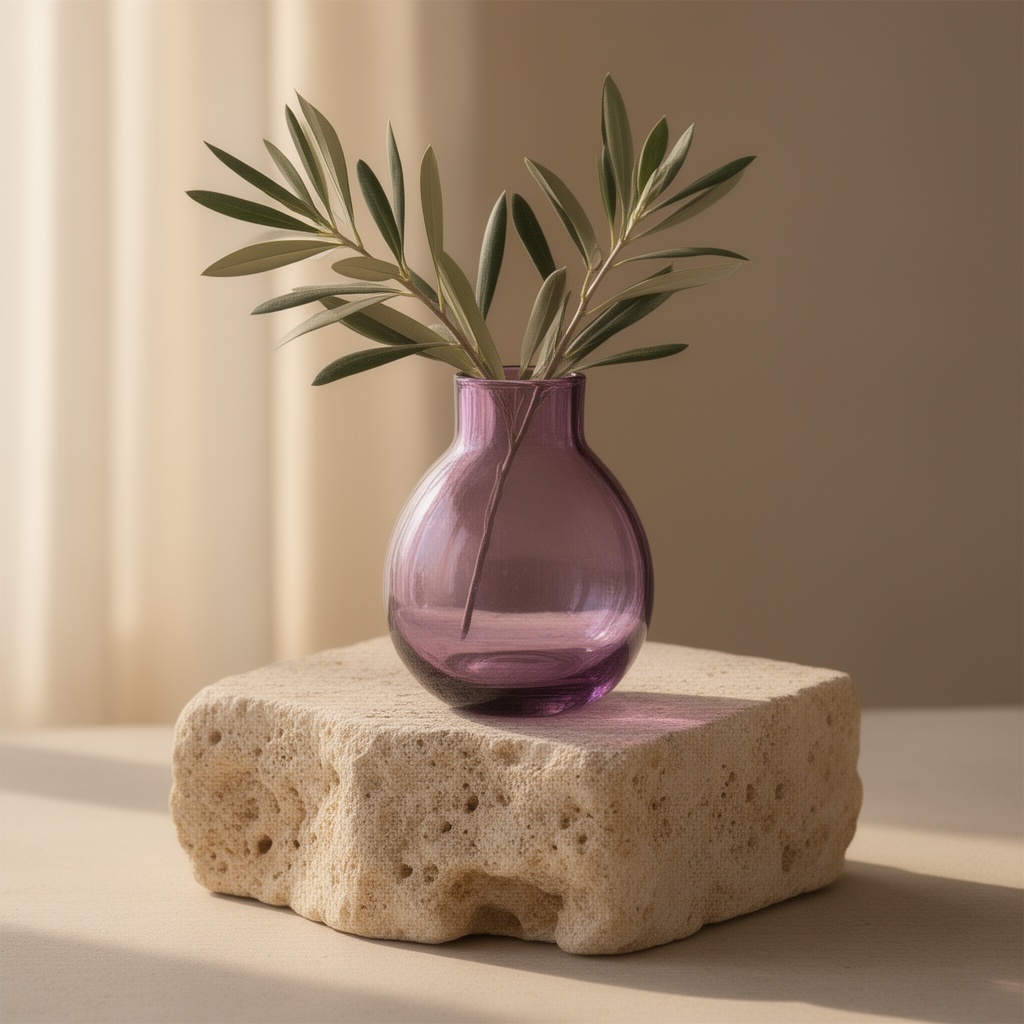
A translucent violet glass vase on a limestone plinth, an olive branch, soft afternoon light, editorial product photography.
A botanical exhibition poster, exact headline "GROW TOGETHER", generous ivory margins, violet lettering and a single green leaf.
A quiet bookshop at dusk, warm window light, rain on the pavement, wide cinematic composition.
BEFORE YOU CREATE
Yes. Qwen Image 2.1 supports text-to-image generation and reference-image editing. Each Qwen image or edit costs 1 credit. Video models are listed under their own names.
Qwen Image 2.1 generation and editing cost 1 credit per image. Free queued generation is no longer available. Existing welcome credits and paid plans remain available.
Yes. Add up to 3 reference images to use Qwen Image 2.1 Edit. Each edit costs 1 credit. Each reference can be a PNG, JPG or WebP up to 10 MiB and 25 megapixels. Explain what should change and what should stay.
Video generation in this workspace uses separate video models. The video selector identifies the actual model; videos are not presented as Qwen-image-2.1 outputs.
Sign in to open your account history. Completed results include a download action. Keep a local copy of work you want to retain.
No. Qwen Image 2.1 is an independently operated workspace and is not affiliated with or endorsed by Alibaba or the Qwen team.